Dec 15, 2025 | Issue 29
Most orgs are trying to drive AI adoption with tools, training, and enthusiasm. Those aren’t bad. But adoption is mostly workflow design.
Managers make AI feel safe. L&D turns exposure into practice. Ops turns practice into defaults.
This week’s Signals & Subtractions is part 3 of 3 on AI Onramps, and it’s the handoff to the workflow owners. That’s where the buck stops.
Here’s the test: If a normal person can finish the workflow without seeing the AI step, you didn’t embed AI. You hosted a demo.
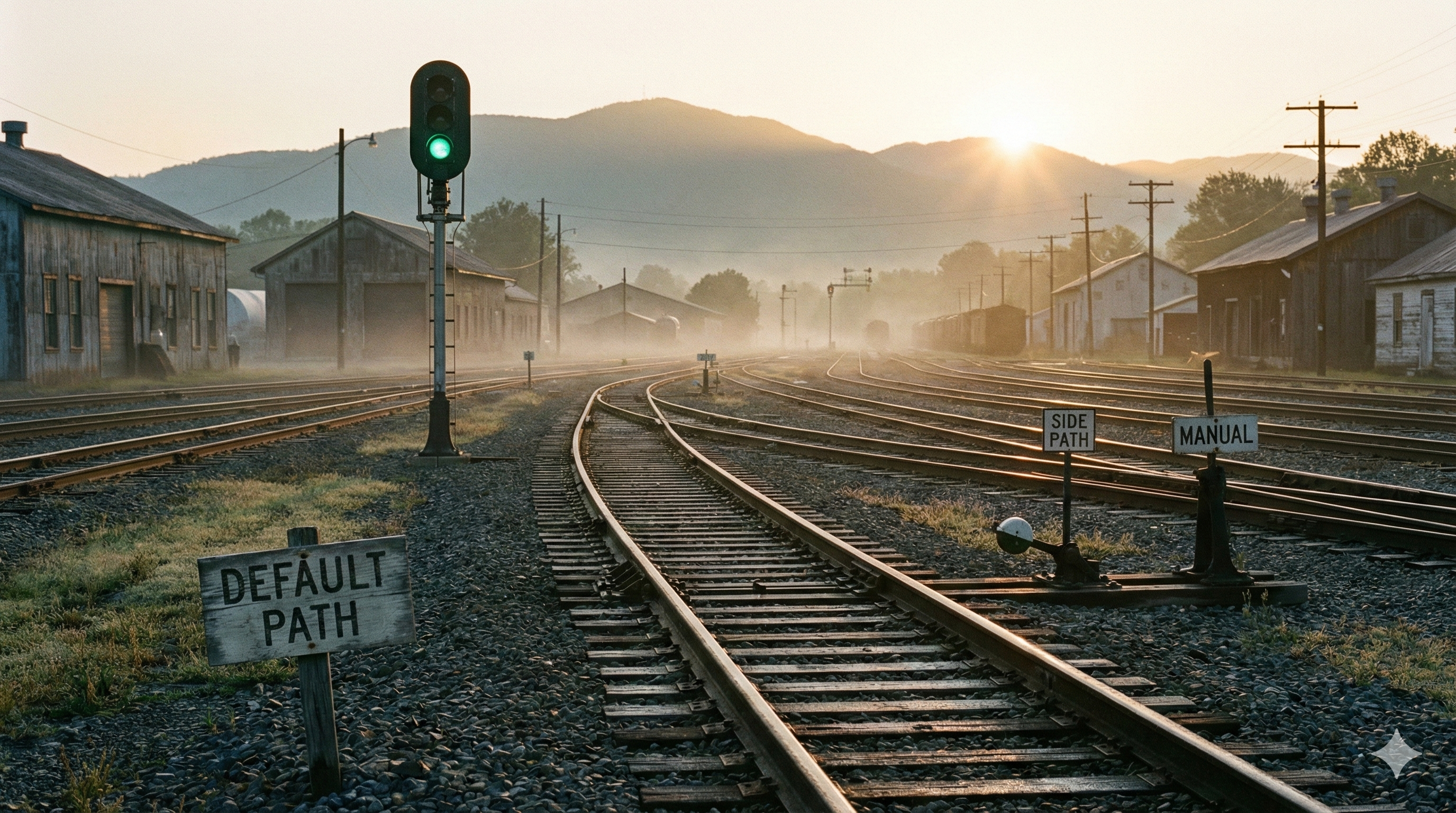
Where does AI actually live in your org right now? A) Default path (built into forms, queues, SOPs) B) Side tabs (heroic individual effort) C) Nowhere (policy says “no,” reality says “maybe”)
Reply with A, B, or C. If you’re B, what’s the first workflow you’d retrofit?
#AIadoption #AItransformation #SignalsAndSubtractions
v2
Signal: Workflow Owners Build The Real AI Onramps
AI adoption looks boring when it works, because it shows up as default behavior, not special events.
It looks like a slightly smarter intake form. A ticket queue that stops wasting human attention. An SOP that quietly prevents the same mistake from happening yet again.
AI adoption efforts fail when they depend on special anythings: special workshops, pilot pizzazz, “The Ultimate Prompt For…” docs, etc.
Managers decide whether AI feels safe (Issue 027). L&D decides whether AI becomes practice (Issue 028). Workflow and Ops owners decide whether AI becomes the job. That’s this week’s issue.
Why Ops? Because they control the default path. They own where actual work happens. Not work activity, but work traction.
The Default Path Test: if a normal person can complete the workflow without seeing the AI step, you did not embed AI. You hosted a demo.
The titles vary. The functions don’t. Workflow owners decide:
- where AI shows up inside real tools
- when it’s automatic vs opt-in
- whether it takes 2 clicks or 12
If AI is in the default path, people adopt it by doing their normal job. If AI lives in side tabs, adoption is basically a personality trait. Personality is fine, but it does not scale. It also does not measure well, until something breaks.
Strategic (Human) Prompt: What Breaks If AI Disappears Tomorrow
Which core workflow would be broken if AI disappeared tomorrow?
Not “less efficient.” Broken.
Now point to where AI lives in that workflow:
- the form field
- the template
- the macro
- the queue rule
- the SOP step
- the QA checklist
- the routing logic
If you can’t point to the artifact, AI isn’t in the workflow. It may be visiting, but doesn’t live there.
Now prevent “broken” with Fallback mode
Add one more sentence: degraded mode. If AI is down, what does the workflow do instead?
Examples:
- AI fails → template still loads, but starts off blank
- AI fails → summary field stays empty, human writes it instead
- AI fails → QA check becomes a manual checklist instead of an automatic pass/fail
- AI fails → routing reverts to a default queue with a human triage step
If you can’t answer, you built a single point of failure. Those age like milk. AI dependency isn’t the mistake, the mistake is building without any fallback.
Remember, the goal is not “AI everywhere.” The goal is business execution. That means “AI where it matters, with a graceful exit.”
This prompt separates real operational dependence from optional experimentation from marketing noise.
And it forces three decisions:
- AI by default
- AI as input only
- AI nowhere near the decision
➖ Strategic Subtraction: Sidecar Pilots
New rule for 2026: no AI work ships unless it changes an artifact on the main path (form, template, SOP step, queue rule).
So if it lives in:
- a Slack channel
- a one-time demo
- a personal prompt library
- a “try this sometime” workshop
- a browser tab someone hides when Leadership walks by
That’s not adoption. That’s theater.
Sidecar AI like that produces the same outcomes every time:
- heroics
- lack of measurement
- governance shows up late (and angry)
Contrast these sidecar pilots with main path workflow retrofits.
Pick one real workflow that moves either money or risk. Those are the high-stakes, most bang for your buck leverage points that will make the most difference where you work.
Write four decisions:
- AI by default
- AI with approval
- AI forbidden
- who gets paged when it fails
Then retrofit the workflow artifact itself. Not the slide deck. Not the training. The artifact.
That’s where adoption becomes real. That’s also where it becomes measurable. Because the artifact is where we instrument usage, edits, overrides, and failure rates.
Analogy of the Week: What’s My Cue?
The audience remembers the lead performer. Whoever is in the spotlight gets the credit. But they don’t run the show. The show runs on cues. If you’ve ever watched a live show fall apart because the cues were wrong or unrehearsed, you already understand AI adoption.
Workflow and Ops owners are stage managers for organizational reality. They decide what appears on stage (the tools people actually use). They decide what’s automatic vs optional. They decide whether work moves forward without improvising a new show every night.
AI adoption is not a spotlight problem. It’s a cue sheet problem.
If you want AI to become normal, embed it in the existing cues. Make a cue sheet: cue (workflow step) → AI assist → degraded mode → owner.
Closing Notes
If managers don’t make AI feel safe, people hide it. If L&D doesn’t turn exposure into practice, people forget it. If Ops doesn’t bake it into workflows, people never adopt it at scale.
Organizational AI readiness is a relay: psychological safety → working agreements → workflow defaults
If you own workflows, this is your baton moment.
Your team doesn’t need more AI enthusiasm. They need fewer clicks, fewer decisions, fewer places to improvise, and more reliable defaults.
Sam Rogers AI Stage Manager Snap Synapse – from AI promise to AI practice
✅ Next Step
If you want help identifying the few workflows where AI should live by default, and measuring whether it actually changed behavior: → Explore the PAICE Pilot Program
Get actionable insights from within your own org to guide responsible AI adoption next month. No guesswork. No integrations. No personal data. No delays. Just evidence.
v1
references to confirm https://support.zendesk.com/hc/en-us/articles/8037649972634-Summarizing-ticket-comments-using-generative-AI?utm_source=chatgpt.com
Social share copy
Most orgs are trying to “drive AI adoption” with tools, training, and enthusiasm.
But adoption is mostly workflow design.
Managers make AI feel safe. L&D turns exposure into practice. Ops turns practice into defaults.
If AI still lives in side tabs and optional prompts, you do not have adoption. You have heroics.
Issue-029
One strategic signal One (human) prompt One subtraction opportunity ➖
Signal: Workflow Owners Build The Real AI Exoskeleton
Don’t let the transformation hype fool you. When AI adoption works, it looks pretty boring.
It looks like your ho-hum, run of the mill:
- smarter intake form
- cleaner ticket queue
- clearer SOP
Effective AI adoption means preventing problems by tweaking them at the source. It’s a template that shows up where people already work. It’s a summary that appears automatically so nobody has to ask for it
When AI adoption fails, that’s when human heroics are needed. A few leading indicators that your AI adoption may not be going well are:
- booking multiple AI workshops
- lots of pilot pizzaz that disappears in a month’s time
- circulating sets of The Ultimate Prompt For…
- shared docs for storing organizational logic and dataflow
- a bunch of people quietly opening LLM side tabs and hoping nobody asks questions
As we established in issue 27, Managers decide whether AI feels like a career risk or a career boost. In issue 28, we made the case for how L&D decides whether AI becomes practice instead of hype. This week we talk about where the buck stops. Workflow and Ops owners decide whether AI becomes the job, or stays a hobby. Because they control the default path.
They own the places work actually happens:
- CRM workflows
- ticket queues
- intake forms
- SOPs and playbooks
- automations, templates, macros
Titles vary. The function is always the same. They decide:
- where AI shows up inside the real tools
- when AI is automatic vs opt in
- whether using AI takes 2 clicks or 13
If AI is baked into the default path, people “adopt AI” by just doing their normal job in the updated flow. They can’t not at least consider AI in the workflow and still get any work done.
Celebrating people doing the right thing is one thing. That helps jumpstart cultural shifts. But when your AI adoption plan requires heroes to sustain, it’s a bad sign. Heroics do not scale. Heroics also do not measure well, because they are mostly invisible…until something breaks.
Strategic (Human) Prompt: What Breaks If AI Disappears Tomorrow
Which of your core workflows would be obviously broken if AI disappeared from it tomorrow?
Not “less efficient.” Broken.
Now name where AI lives in that workflow, in a way an Ops owner could point to without guessing:
- the form field
- the template
- the macro
- the queue rule
- the SOP step
- the QA checklist
- the routing logic
If you cannot point to the artifact, AI is not in the workflow. It is merely visiting.
This prompt is useful even if you hate AI. Because it separates real operational dependence from optional experimentation from marketing noise.
And it makes the actual work visible:
- Where do we want AI by default
- Where do we want AI as input only
- Where do we want AI nowhere near the decision
➖ Strategic Subtraction: Sidecar Pilots
Stop shipping AI pilots that never touch the main path.
If a pilot lives in:
- a Slack channel
- a personal prompt library
- a one time demo
- a “try this sometime” workshop
- a browser tab somebody hides when leadership walks by
It is not adoption. It is theater.
Sidecar AI creates three predictable outcomes:
- AI becomes heroic individual effort
- leaders cannot measure what changed
- governance shows up late, annoyed, and underinformed
Replace sidecar pilots with workflow retrofits.
Pick one workflow that moves money or risk. Then make four decisions, in writing:
- AI by default
- AI with approval
- AI forbidden
- who gets paged when it fails
Then retrofit the workflow artifact itself. Not the slide deck. Not the training. The artifact.
That is where adoption becomes real. That is also where you can measure it without pretending.
Analogy of the Week: Ops Owners As Stage Managers
In a live stage show, the audience remembers the lead. The cast gets the applause. Whoever is in the spotlight gets the credit.
But what does the show run on? Cues, marks, and timing. It runs because someone backstage makes the next thing inevitable.
That’s called stage management. Workflow and Ops owners are the stage managers of organizational reality.
They decide what appears on stage (the tools people actually use). They decide what is automatic vs optional. They decide whether the cast can succeed without improvising a new show every night.
Bad stage management looks like:
- unclear handoffs
- missing cues
- last minute saves
- high drama backstage
- people treating chaos as culture
Good stage management looks like:
- boring defaults
- clean handoffs
- guardrails when something goes wrong
- people who get to go eat and go home on time
- a show that keeps moving even when someone blanks
AI adoption is not a spotlight problem. It is a cue sheet problem.
If you want AI to become normal, embed it in the cues.
Image prompt
16:9 photorealistic theater backstage. Foreground: a stage manager wearing a headset, holding a cue sheet, in sharp focus. Background: bright stage lights and actors blurred. Mood: calm control, quiet competence.
Closing Notes
If managers do not make AI feel safe, people hide it. If L&D does not turn exposure into practice, people forget it. If Ops does not bake it into workflows, people never adopt it at scale.
This is why AI readiness is not a single program. It’s a relay: psychological safety → working agreements → workflow defaults
If you are the person who owns workflows, this is your moment to take the baton. As your team will enthusiastically tell you, they do NOT need more AI enthusiasm.
They need fewer clicks. Fewer decisions. Fewer places to improvise. More reliable defaults.
Until next time,
Sam Rogers Your AI Stage Manager Snap Synapse – from AI promise to AI practice
✅ Next Step
If you want help identifying the few workflows where AI should live by default, and measuring whether it actually changed behavior: → Explore the PAICE Pilot Program
You get actionable insights from within your own org to guide responsible AI adoption next month. No guesswork. No delays. Just evidence.